Apply for 1Password OpenSource Plan Through Open Source Projects to Get Teams Subscription License
Introduction
Today, most platforms have gradually transitioned from “one-time purchase” to “subscription-based”, and 1Password 8 is no exception. It’s understandable that companies make such moves to maintain operations and continue development.
As of March 2025, 1Password 8 Individual costs USD $35.88 per year, and Teams Starter (10 users) costs USD $239.4 per year.
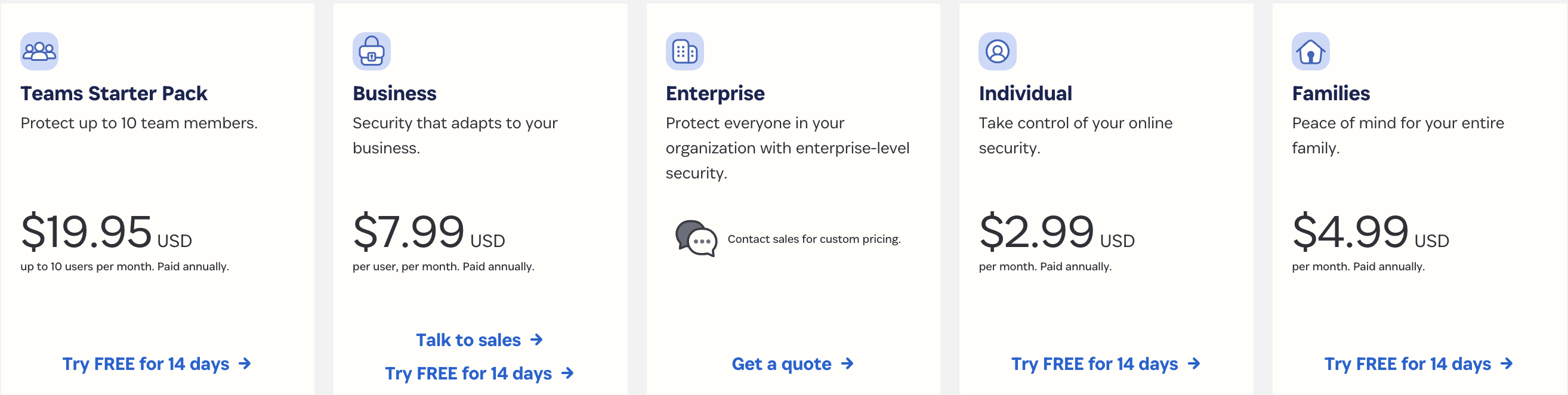
Once you’re approved for 1Password for Open Source Project, you can get a permanent 1Password for Teams subscription for free, which is truly generous.
When you see this paragraph on the GitHub page of 1Password for Open Source, you’ll understand their intention.
It’s fair to say that 1Password wouldn’t exist without the open source community, so we want to give back and help teams be more productive and secure.
Application Requirements
1Password’s requirements for open source projects are actually not strict.
You need to meet one of the following requirements:
- You are a core contributor to an active open source project that has been created for at least 30 days
- You are an organizer of an open source community meetup/event/conference
Additionally, your project must:
- Use a standard open source license
- Be non-commercial
Application Process
Create a 1Password Teams account
- Go to the registration link and fill in the registration information
- After registration, you’ll notice the account is in trial status, don’t worry
Invite at least one other user to join the team’s Owners group
When applying, please fill out this form and submit a new issue in this repository.
After Application Completion
Go to Team Management > Billing, and you will no longer see any words related to expiration.

The owner of 1Password Team cannot see other users’ private data, but can share items with others in the Shared vault. Other than that, there’s not much difference from 1Password Individual.
However, please note: This membership cannot be transferred or sold, so the owner of this 1Password for Teams can only be you; additionally, if your open source project is no longer active, 1Password may revoke your membership.
What Are the Benefits of 1Password?
- Supports macOS, iOS, Windows, Android, Linux, browser extensions, and command line
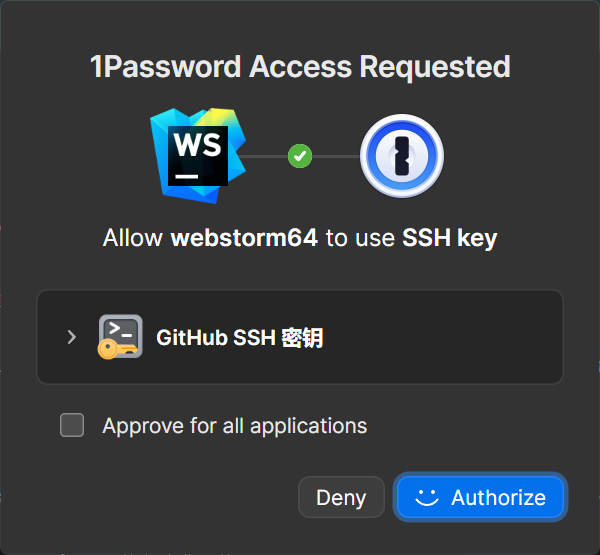
- Can generate SSH Key pairs and use 1Password-CLI for Git Commit signing or other automated workflows
- Calling 1Password-CLI or waking up the computer can quickly authenticate through Windows Hello / Touch ID / Face ID (may support Vision Pro’s Optic ID in the future), but after computer restart or long periods without login, you must manually enter the master password
- Instead of using similar passwords for every website, using 1Password allows you to generate different passwords for each website, preventing credential stuffing that could expose passwords for other sites
- Compared to saving passwords in the browser, 1Password can reduce the risk of account credentials being stolen when your computer is infiltrated by malware
- Self-hosting Bitwarden is a good low-cost solution, but it has many instability factors. Once the server goes down, data becomes inaccessible. I personally believe the 1Password team has better ops skills than me. 🙃
- The rest you may need to explore yourself…